
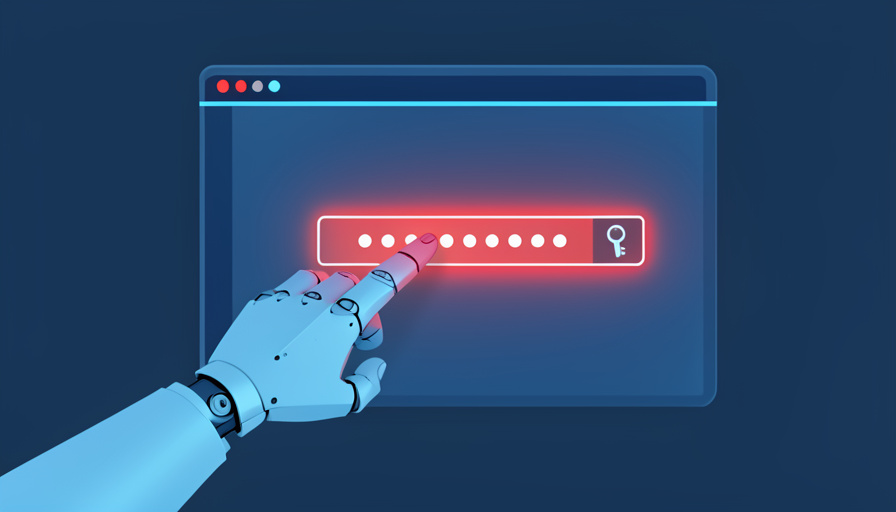
Is It Safe to Let AI Fill Your Passwords?
AI assistants now offer to log you in and fill out tedious forms using your password manager. It is genuinely convenient, and it quietly opens a new kind of attack. Here is where the balance actually sits.
The newest wave of AI tools has moved past answering questions into acting on them. AI browsers and assistants can book a flight, fill a checkout page, and log into your accounts, often by tapping into a password manager or your browser’s saved autofill data. It feels like the future, and for boring forms it genuinely saves time. It also hands a lot of trust to software that can be tricked in ways a careful human would not be.
Quick answer
Letting AI fill low-stakes forms is reasonably safe with guardrails, but giving an AI agent free access to your passwords and logged-in accounts is risky right now. The main problem is prompt injection, where a malicious webpage secretly hijacks the AI to act with your credentials. For anything involving money, identity, or your primary email, keep a human in the loop.
What “AI filling your passwords” means
These features let an AI agent do the clicking and typing for you. You ask it to sign up for a service, complete a checkout, or log into a site, and it navigates the page and fills the fields, pulling your name, address, card, or credentials from a connected password manager or autofill store.
For repetitive, low-value tasks, that is a real convenience. The trouble starts because the agent has to be given reach into sensitive data to do the job, and unlike you, it cannot always tell a legitimate instruction from a hostile one hidden on the page.
The big new risk: prompt injection
The defining security problem for these tools is prompt injection. A webpage can carry hidden instructions, written in white text on a white background or tucked into invisible HTML comments, that the AI reads as commands even though you never see them. If the agent is logged into your accounts, those hidden commands can act as you.
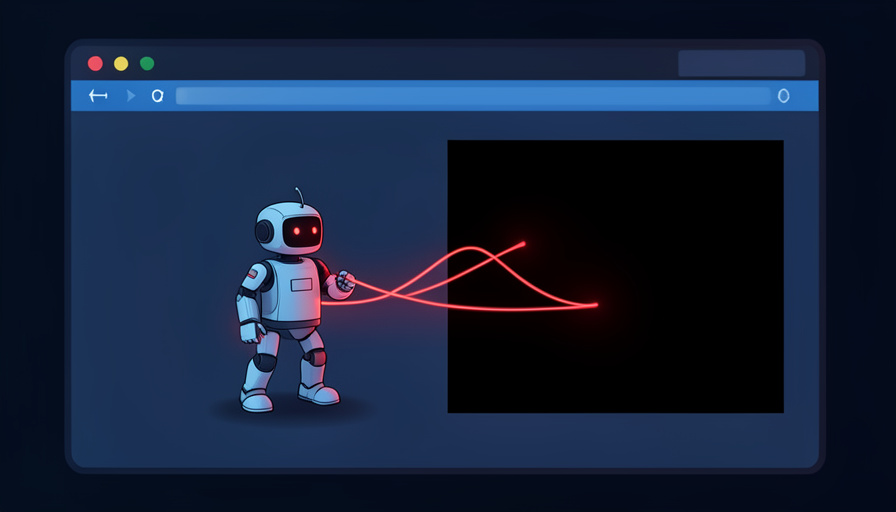
This is not theoretical. Security researchers at Brave demonstrated an attack on the Comet AI browser where a hidden snippet on a Reddit page quietly told the agent to open the user’s Gmail, read a one-time login code, and post it back publicly. The user did nothing wrong beyond visiting a page. When an AI can move across your logged-in sites, a single poisoned page becomes a way to drain them.
Phishing and the autofill trap
There is a simpler danger too. Autofill and AI agents can be fooled into entering your credentials on a fake site that mimics a real one. A cautious person notices the slightly wrong web address and hesitates. An agent racing to complete a task may not, and once it types your password into a phishing form, the attacker has it.
Traditional password managers guard against this by matching saved logins to a site’s exact address, and the safest AI setups keep that protection. The risk rises when an agent is allowed to type credentials more loosely, or to override those checks to get a task done.
What the AI companies are doing
The major providers know this is the weak point, and their guardrails tell you how seriously they take it. OpenAI says its ChatGPT agent mode cannot read your saved passwords or autofill data and will not log into your accounts without your explicit approval, as covered when its browser faced early prompt injection attempts. Anthropic reported cutting the prompt injection success rate in its Claude browser extension from about 24 percent to 11 percent and blocking high-risk site categories.
Those numbers cut both ways. They show real progress, and they show the attack still works a meaningful share of the time. That is why analysts at Gartner advised enterprises in late 2025 to hold off on AI browsers until the risks are better contained. For related coverage, browse SciExaminer’s Technology section.
How to use AI autofill more safely
You do not have to avoid these tools entirely, but you should set limits. A few habits keep the convenience while capping the downside.
- Keep your most sensitive accounts off-limits: banking, your primary email, and anything tied to your identity.
- Require confirmation for any login, payment, or account change, rather than letting the agent act unsupervised.
- Only point agents at sites you trust, since the danger comes from the pages they read as much as from the tasks you set.
- Keep two-factor authentication on, and be cautious of any agent that wants to read one-time codes from your email.
- Treat AI browsers as early technology, and do not store or expose passwords you would not want a stranger to reach.
The honest stance is that this is powerful and unfinished. For filling a shipping form or a newsletter signup, the convenience is worth it. For your money and your main accounts, keep yourself in the loop until the security catches up. For more on the science behind these tools, the Science section is worth a look.
At a glance
- AI agents can log in and fill forms using your password manager or autofill data.
- Prompt injection lets a malicious webpage hijack the agent to act with your credentials.
- Real attacks have made AI browsers read and leak one-time login codes from email.
- Use guardrails: block sensitive accounts, require confirmation, and keep two-factor authentication on.
Frequently asked questions
Is it safe to let AI fill in my passwords?
For low-stakes forms with guardrails, it is reasonably safe. Giving an AI agent open access to your passwords and logged-in accounts is riskier, mainly because of prompt injection, so keep sensitive accounts out of reach.
What is prompt injection?
It is an attack where hidden instructions on a webpage, such as white text on a white background, are read by an AI agent as commands. If the agent is logged into your accounts, those instructions can take actions as you.
Can an AI browser steal my login codes?
In demonstrated attacks, yes. Researchers showed a hijacked AI browser opening a user’s email, reading a one-time login code, and leaking it. That is why you should be cautious about letting agents access your email or read verification codes.
Are AI password features completely unsafe?
No, but they are unfinished. Providers block some access and require approval for logins, and they have reduced attack success rates, though not to zero. Reasonable caution, not total avoidance, is the right posture.
How can I use AI autofill more safely?
Keep banking and primary email off-limits, require confirmation for logins and payments, only use agents on trusted sites, keep two-factor authentication on, and treat AI browsers as experimental technology.
The bottom line
AI that fills your passwords sits exactly where convenience and security pull against each other. The feature is real and useful, and the risk, prompt injection, is a genuine unsolved problem that has already been used to make AI browsers betray their own users. Let these tools handle the tedious, low-value stuff, keep your money and identity behind a manual confirmation, and revisit the trade as the guardrails improve. Handy is not the same as safe, and right now the gap between them is worth respecting.

Related Posts

How Do License-Plate Readers Work, and Are They Legal?
Do You Really Own Your Digital Games?