How to Stop Your Smart TV From Tracking You
Your smart TV keeps a second-by-second log of what you watch and turns it into a profile advertisers can buy. Here is how to shut that off, brand by brand.
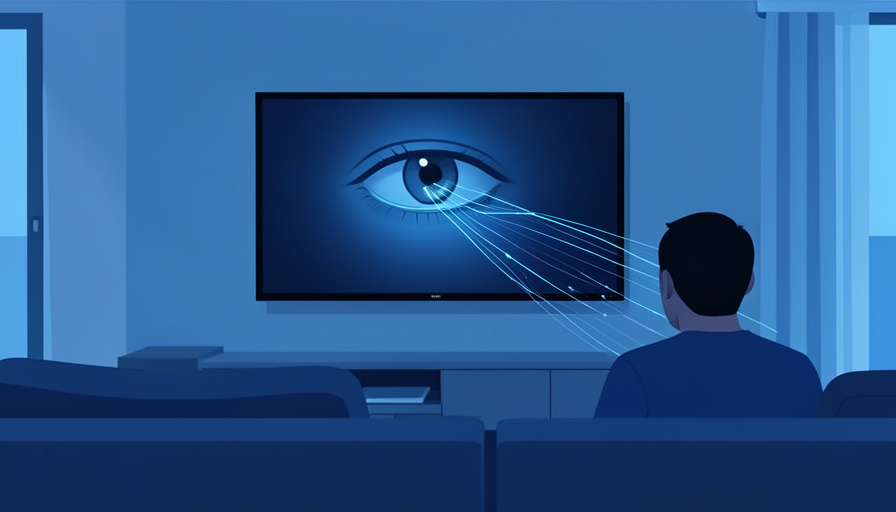
The television on your wall is probably watching you back. Most smart TVs sold in the last several years run a feature that samples what is on the screen many times a second, works out what you are watching, and ships that record off to build an advertising profile. It runs quietly, it is usually on by default, and almost nobody agreed to it on purpose. The good news is that a single setting shuts most of it down.
Short answer
Smart TVs use Automatic Content Recognition, or ACR, to identify everything you watch and sell that viewing data to advertisers. You can turn it off in the privacy menu, though each brand hides it under a friendly-sounding name: Viewing Information Services on Samsung, Live Plus on LG, Smart TV Experience on Roku, and Viewing Data on Vizio. Switching that one toggle off is the core fix, and it does not break normal viewing.
What your smart TV is actually collecting
The feature doing the tracking is Automatic Content Recognition. ACR takes tiny samples of the picture and sound on your screen, matches them against a huge database, and figures out exactly what is playing. It does not care where the signal comes from, so a cable channel, a streaming app, a game console, or an old DVD are all logged the same way.
That record is more valuable than it sounds. Over weeks it becomes a detailed map of your habits, often merged with details like age range, household income, and location, then sold to ad brokers who use it to target you across your phone and laptop too. The TV is cheap partly because the data it collects is worth money to someone else.
This is not paranoia: the Vizio case
If this sounds overblown, regulators already stepped in once. In 2017 the FTC and New Jersey settled with Vizio for $2.2 million over collecting viewing histories from 11 million televisions without proper consent. The order described TVs capturing second-by-second viewing data, having demographics attached to it, and the whole package being sold to third parties.
The settlement forced clearer consent, but it did not end the practice across the industry. ACR is now standard, and as of 2026 no major brand ships with it disabled by default. Knowing the toggle exists is the difference between opting out and never being asked.
How to turn off tracking on your TV
Menu wording shifts slightly between models and software years, but the setting you want is the one about viewing information or content recognition. Here is where it lives on the major brands.
| Brand | Where to turn ACR off |
|---|---|
| Samsung | Settings, then General & Privacy, then Terms & Privacy, then switch off Viewing Information Services |
| LG | Settings, then All Settings, then General, then System, then Additional Settings, then turn off Live Plus |
| Roku (also TCL and Hisense Roku sets) | Settings, then Privacy, then Smart TV Experience, then uncheck Use Info from TV Inputs |
| Vizio | Menu, then System, then Reset & Admin, then Viewing Data, and switch it off |
| Fire TV and Google TV | Open the Privacy settings and turn off data or usage collection and interest-based ads |
As guides like Malwarebytes’ 2026 walkthrough point out, the tracking setting is almost always dressed up in reassuring language, so look for phrases like viewing information, content recognition, or interactive TV rather than the word tracking.
A few extra steps worth taking
Turning off ACR is the big one, but a few extra habits close the remaining gaps.
- Find the advertising section and choose to limit ad tracking or reset your advertising ID.
- At setup, decline the optional data-sharing agreements. The TV works fine without them.
- Recheck the setting after big software updates. On some sets, Vizio included, the viewing-data toggle has been known to switch itself back on.
- If you want the strongest option, keep the TV off your Wi-Fi entirely and plug in a streaming stick you control instead.
That last step is the nuclear option, and it has a real tradeoff, since an offline TV loses its apps. For most people, killing the ACR toggle and limiting ad tracking gets the bulk of the benefit. For related coverage, browse SciExaminer’s Technology section.
What you gain and what you lose
Switching this off does not brick your TV or block any channel. What you lose is minor: some interactive overlays, a few “because you watched” style recommendations, and ads tuned to your exact viewing. What you gain is that your household stops generating a detailed, sellable log of everything that crosses the screen.
For most viewers that is an easy trade. The recommendations were never the point of buying a television, and the picture looks identical either way. For more on the tech shaping daily life, the Science section is worth a look.
Main takeaways
- Smart TVs use ACR to log what you watch second by second and sell it to advertisers.
- The opt-out hides under names like Viewing Information Services, Live Plus, Smart TV Experience, and Viewing Data.
- The FTC fined Vizio $2.2 million in 2017 for doing this without consent, and the practice is now standard.
- Turning ACR off does not harm normal viewing; recheck it after major firmware updates.
Frequently asked questions
Is my smart TV really spying on me?
Most modern smart TVs run Automatic Content Recognition, which samples the screen to identify what you watch and builds a profile sold to advertisers. It is usually on by default, so unless you turned it off, your TV is likely logging your viewing.
How do I stop my smart TV from tracking me?
Open the privacy settings and turn off the ACR feature: Viewing Information Services on Samsung, Live Plus on LG, Smart TV Experience on Roku, and Viewing Data on Vizio. Then limit ad tracking in the advertising section.
Will turning off tracking break my TV?
No. Normal viewing, apps, and channels keep working. You only lose some personalized recommendations, interactive overlays, and targeted ads.
What is ACR on a smart TV?
ACR stands for Automatic Content Recognition. It samples the picture and audio many times a second, matches them to a database to identify what is playing, and records your viewing regardless of the source.
Does the government regulate this?
Somewhat. In 2017 the FTC and New Jersey fined Vizio $2.2 million for collecting viewing data from 11 million TVs without proper consent, which forced clearer disclosures, though ACR remains legal and widespread when disclosed.
Final word
Your television was built to sell your attention twice, once to you and once to advertisers, and the second sale runs silently in the background. It takes about two minutes to end it. Dig into the privacy menu, switch off the viewing-data setting, limit ad tracking, and check back after the next update. The picture stays exactly the same, minus the part where your living room files a report on everything you watch.

Related Posts

Do You Really Own Your Digital Games?
How to Tell If a Video Is AI-Generated