How to Cancel a Subscription That Won’t Let You Go
Some subscriptions bury the exit on purpose. Here is how to actually get out of one, step by step, and what to do when a company refuses to let you leave.
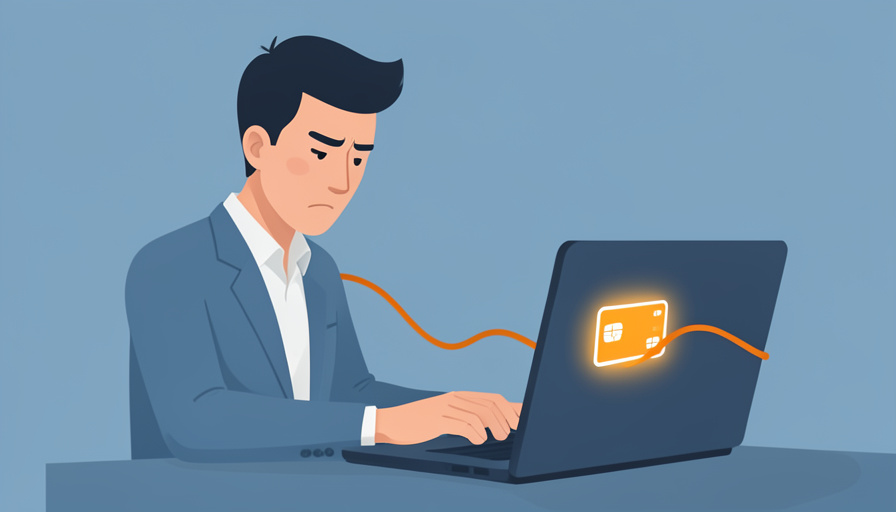
You click cancel, and instead of cancelling, the screen offers you a discount. Click past that and it asks if you are sure. Say yes and it suggests pausing instead. Then it wants a reason, then a phone call during business hours. None of that friction is an accident. Keeping you subscribed is worth real money, so the path out is designed to be annoying enough that many people give up. Knowing how the trap is built makes it easy to walk through.
Bottom line first
To cancel a stubborn subscription, cancel it through wherever you are actually billed, not inside the app itself. That means the Apple or Google subscriptions menu, the company’s own account or billing page, or a third party like Amazon or PayPal. Turn off auto-renew, ignore the retention offers, and save the confirmation email. If a company still blocks you, your card issuer and a virtual card number give you the means to shut off the payments yourself.
Why cancelling is deliberately hard
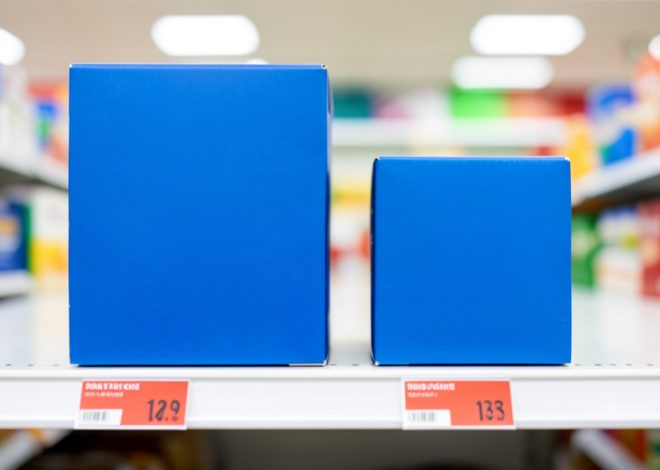
The industry has a nickname for this design: the roach motel, easy to enter and hard to leave. A company that makes signup a single tap but hides cancellation behind a maze is using friction as a retention strategy. Every extra screen, guilt-trip prompt, and “are you sure” wall exists because a measurable share of people abandon the attempt.
Common tactics include hiding the cancel option deep in account settings, forcing a phone call or live chat to end a plan you started with one click, flashing a “you’ll lose your benefits” warning, and pushing discounts right at the moment of exit. These interface tricks, known as dark patterns, turn up across apps and websites, and SciExaminer’s Technology section covers more of them. Recognizing them as scripted stalling tactics, rather than genuine obstacles, is half the battle.
First, find where you actually subscribed
This is the step almost everyone gets wrong. You often cannot cancel a subscription from inside the app that sold it to you, because the billing is handled somewhere else. Trace the money first.
- Apple: if you signed up on an iPhone or iPad, cancel through the Apple subscriptions menu, not the app. Apple explains the exact path in its cancel a subscription guide.
- Google: Android sign-ups are usually billed by Google Play, and you cancel from the Play subscriptions screen, covered in Google’s help page.
- The company’s website: if you subscribed on a browser, log in on that same website and look under account, membership, or billing.
- A third party: subscriptions bought through Amazon, Roku, or PayPal are managed in those accounts, not the service’s own app.
The step-by-step cancel
Once you know where the billing lives, the process is short. Work through it in order and do not stop at the first “are you sure” screen.
- Open the correct billing channel from the list above.
- Find the subscription and choose cancel or turn off auto-renew. Turning off renewal is what actually stops future charges.
- Decline any retention offer unless the discount genuinely changes your mind.
- Finish every confirmation step until the status clearly reads cancelled or expiring.
- Save the confirmation email and take a screenshot showing the end date.
- Check your card statement after the next billing date to be sure no charge slipped through.
Deleting the app does nothing, since the billing agreement lives with the payment platform, not on your phone. Only turning off the renewal stops the money.
If they still won’t let you cancel
Sometimes a company drags its feet or keeps charging after you cancel. At that point you stop asking and start acting.
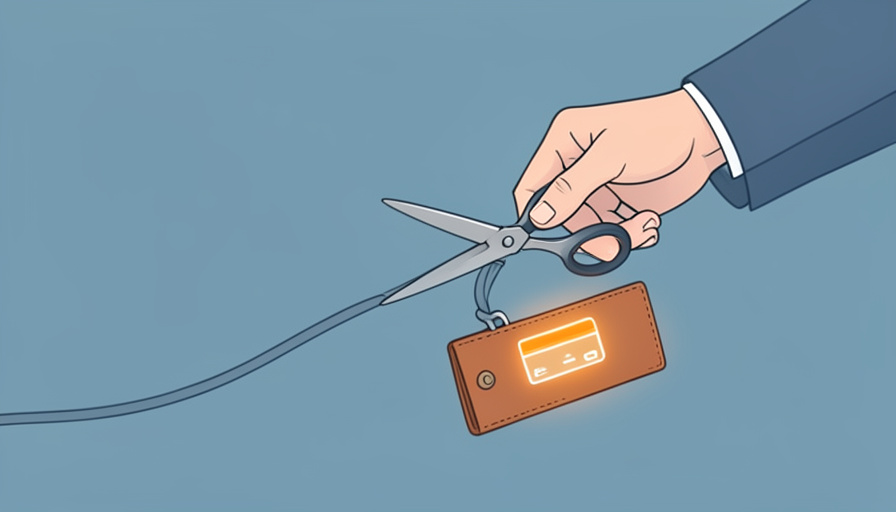
Contact your bank or card issuer and dispute the charges, especially any that hit after you cancelled, since a payment you did not authorize is exactly what a chargeback is for. Going forward, paying for trials and subscriptions with a virtual card number, which many banks and services now offer, lets you freeze or delete that specific card so a merchant simply cannot bill it again. For subscriptions you know you will want to test and drop, that single habit prevents most sticky-billing headaches. For related coverage, browse SciExaminer’s Business section.
Your rights and the click-to-cancel saga
You have more standing than the retention script implies. In the United States, the Restore Online Shoppers’ Confidence Act already requires clear terms and a simple way to stop online subscriptions, and several states, including California, require that if you signed up online you must be able to cancel online.
The picture on federal rules is genuinely messy right now. The FTC finalized a “click-to-cancel” rule in 2024 that would have forced cancellation to be as easy as signup, but a federal appeals court struck it down in 2025 on procedural grounds, so it is not currently in force. The agency reopened the process in 2026 to try again, and it keeps bringing enforcement cases against companies with hard-to-cancel memberships. You can read the current consumer guidance on the FTC’s website and file a complaint there if a company traps you.
This article is general information, not legal advice. Consumer protection rules vary by state and change over time, so check your local laws or consult a qualified professional for a specific situation.
What to know
- Cancellation friction is a deliberate retention tactic, not a real barrier.
- Cancel through your billing channel (Apple, Google, the website, or a third party), not the app itself.
- Turn off auto-renew and keep the confirmation; deleting the app does not stop charges.
- If a company won’t stop billing, dispute with your card issuer and use freezable virtual cards.
Frequently asked questions
How do I cancel a subscription that won’t let me cancel?
Cancel through the billing channel rather than the app: the Apple or Google subscriptions menu, the company’s website account page, or a third party like Amazon. If that fails, dispute the charges with your card issuer and freeze or replace the card used to pay.
Why can’t I cancel a subscription from inside the app?
Because the billing is often handled elsewhere. If you subscribed through the App Store or Google Play, only the Apple or Google subscriptions menu can cancel it. The app itself usually cannot end the payment agreement.
Does deleting an app cancel the subscription?
No. Deleting the app removes it from your device but leaves the billing agreement active, so you keep getting charged. You have to turn off auto-renew in the billing channel to stop payments.
Can my bank stop a subscription charge?
Yes. You can dispute charges with your card issuer, particularly any that occur after you cancelled. Using a virtual card number you can freeze or delete also prevents a merchant from billing you again.
Is there a law requiring easy cancellation?
Partly. The Restore Online Shoppers’ Confidence Act and several state laws require simple online cancellation. A broader federal “click-to-cancel” rule was finalized in 2024 but struck down in court in 2025, and the FTC is working to reinstate it.
The bottom line
A subscription that fights you on the way out is counting on you to quit trying, not on any real inability to cancel. Trace the billing to its source, turn off the renewal, keep proof, and escalate to your bank if the charges continue. Two minutes of stubbornness on your side beats the entire retention script the company spent months building.