


AI video got good enough to fool most people this year. Here are the tells that still slip through, and the habit that catches the clips your eyes cannot.
A clip lands in your feed and it looks real. Robots marching in a protest, a public figure saying something outrageous, a disaster that never actually happened. It has a few million views and a caption written to make you angry. Before you believe it or forward it, the useful question is not “does this look real,” because the best AI video now passes that test easily. The question is how to check.
Bottom line first
You can no longer reliably spot AI video by eye alone. The strongest approach combines two things: a quick scan for visual glitches in hands, teeth, shadows, and physics, and a harder look at where the clip actually came from. Checking the source, the original poster, and whether any credible outlet reported the event will catch far more fakes than squinting at pixels ever will.
Why your eyes are no longer enough
The honest starting point is humbling. Tools like the latest text-to-video models have erased most of the obvious giveaways that used to make AI footage look fake, and as Forbes has reported, people now do poorly at telling the best synthetic clips from real ones just by watching. The old advice to “trust your gut” quietly stopped working.
That does not mean checking is hopeless. It means the job changed. Visual glitches still leak through, especially in fast or complex scenes, and they are worth knowing. But the reliable win comes from treating a suspicious video like a claim to verify rather than a picture to admire.
Visual tells that still slip through
AI generators fail in predictable places, usually where a scene is busy or a detail is small. When something feels off, freeze the frame and look here first.

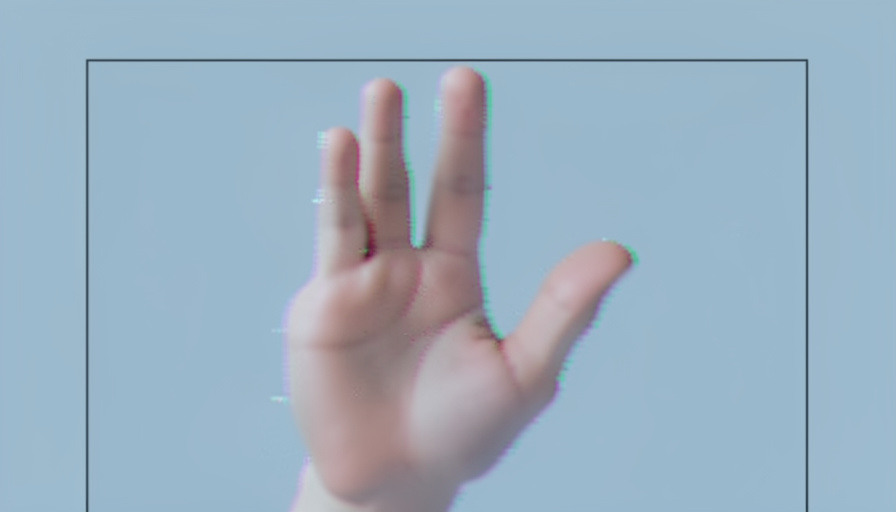
- Hands and fingers that merge, swap length, or briefly gain an extra digit during movement.
- Teeth that look too even, and ears that change size or position between frames.
- Skin that reads waxy or too smooth, with pores and fine lines missing.
- Shadows and reflections pointing the wrong way, or lighting that does not match across the scene.
- Physics that cheats: hair or clothing passing through a body, an object floating, or a falling item slowing in midair.
- Background text, signs, and logos that dissolve into gibberish when you pause.
- Lip movements that drift slightly out of sync with the audio.
One caution here: a clean-looking clip is not proof of anything. Top models get hands right most of the time now, so the absence of glitches means only that you need to check the source too. Guides like VEED’s rundown of AI video signs keep updating these tells for a reason: each new model fixes a few.
Check the source, not the footage alone
This is the part that actually catches fakes, and most people skip it. A real event of any significance leaves a trail, so the first move is to look for that trail instead of studying the video.
Start with who posted it. A brand-new account, an anonymous meme page, or a reply farming outrage deserves more suspicion than an established newsroom. Then ask whether any credible outlet has reported the same thing. If robots really staged a protest in a European city, several reputable organizations would cover it, not one viral repost. Take a screenshot of a clear frame and run a reverse image search to find where the clip first appeared, which often surfaces the original, unedited, or debunked version. For more on how online claims spread, the Technology section has related coverage.
Detectors and content credentials
AI detection tools exist, and they can help, but do not hand them the final say. Detectors return probabilities, not verdicts, and they produce both false positives and false negatives, so a confident-looking score can still be wrong. Treat any detector result as one input among several, and never let it override a clear source check.
A more trustworthy signal is provenance. The Content Credentials standard, backed by camera makers and AI companies, attaches a tamper-evident record of how a file was made and edited, and you can inspect it at contentcredentials.org. Many AI tools now embed this label, and some platforms flag AI-made media automatically. The catch is that credentials can be stripped when a file is screen-recorded or re-uploaded, so their presence is reassuring while their absence proves nothing.
A 6-step check before you share
When a video matters enough to react to, run it through this quickly:
- Pause before sharing. Emotional, outrage-bait clips are the ones most worth checking.
- Look at the account. Note its age, history, and whether it has a reason to mislead.
- Search for coverage. See if any credible outlet reported the same event.
- Reverse-search a frame. Find where the clip first appeared and in what context.
- Scan for glitches. Freeze on hands, faces, text, and shadows.
- Check for credentials. Inspect content credentials, and if you are still unsure, do not share it.
The single habit that helps most is the pause. A fake only works if it travels, and most viral misinformation spreads because people react in the first few seconds. For more everyday tech explainers, the Science section is worth a look.
What to know
- You cannot reliably spot the best AI video by eye anymore, so combine visual checks with source checks.
- Glitches still appear in hands, teeth, shadows, physics, and background text, especially in busy scenes.
- Checking who posted a clip and whether real outlets covered the event catches more fakes than pixel-hunting.
- Detectors are fallible and content credentials can be stripped, so use them as signals, not proof.
Frequently asked questions
How can I tell if a video is AI-generated?
Scan for visual glitches in hands, teeth, shadows, and physics, then check the source: who posted it, whether credible outlets reported the event, and where the clip first appeared. Source-checking catches more fakes than looking at the footage alone.
Are AI detection tools accurate?
Not reliably. Detectors return probabilities and produce both false positives and false negatives, so treat a result as one clue among several rather than a final answer, and weigh it against a clear source check.
What are the most common signs of AI video?
Merging or extra fingers, overly smooth skin, too-perfect teeth, ears that shift between frames, mismatched shadows, objects floating or clipping through each other, and background text that turns to gibberish when paused.
What are content credentials?
Content Credentials are a tamper-evident record of how a media file was created and edited, backed by camera makers and AI companies. You can inspect them at contentcredentials.org, though they can be removed when a file is re-uploaded or screen-recorded.
Why can’t I trust my eyes anymore?
The latest video generators have removed most obvious tells, and studies and reporting show people struggle to distinguish high-quality AI clips from real footage. A clean-looking video is no longer evidence that it is genuine.
What to do next
Treat the next surprising clip in your feed as a claim, not a fact. Give it thirty seconds: check the account, search for real coverage, glance at the hands and shadows, and only then decide whether it is worth believing or passing on. The technology will keep improving, so the durable skill is not spotting artifacts, it is the reflex to verify before you react.